The AI market is not difficult because there are too few tools. It is difficult because there are too many. One tool for text, another for images, another for video, another for music, another for upscaling, another for research. Each has its own account, subscription, limits, interface, and payment flow.
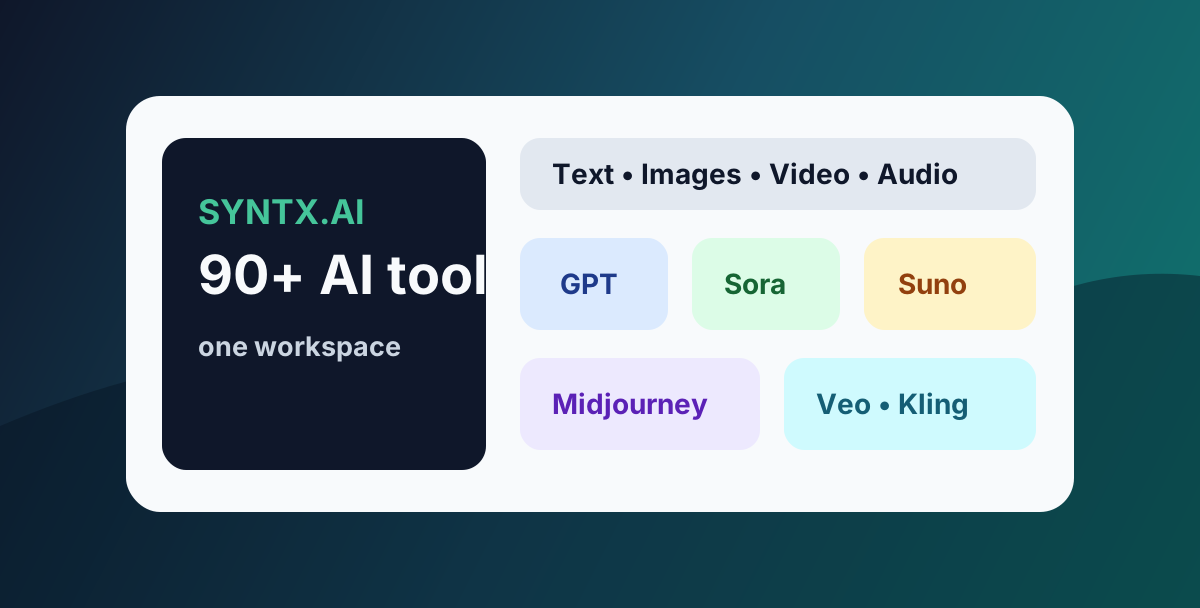
Syntx AI is built around a different idea: one platform for many AI tools. Public descriptions of the service mention access through a Telegram bot and a web platform, with tools for text, design, images, video, and audio.
What Syntx AI Is
Syntx AI is not a single model. It is an AI tools aggregator. Instead of subscribing separately to text models, image generators, video platforms, and music tools, users can work from one interface and choose the model or tool that fits the task.
Public materials describe Syntx as a platform with 90+ AI tools and 40+ neural networks. The categories include language models, file work, image generation, design, video generation, audio, upscaling, and creative workflows.
This matters because most users do not want to study every AI platform deeply. They want to create a post, design a cover, make a short clip, or test an ad concept.
What You Can Use It For
Syntx AI is best understood as a content and productivity workspace. It can help with:
- blog posts, scripts, emails, and marketing copy;
- content ideas for Telegram, social media, and websites;
- images for covers, ads, and presentations;
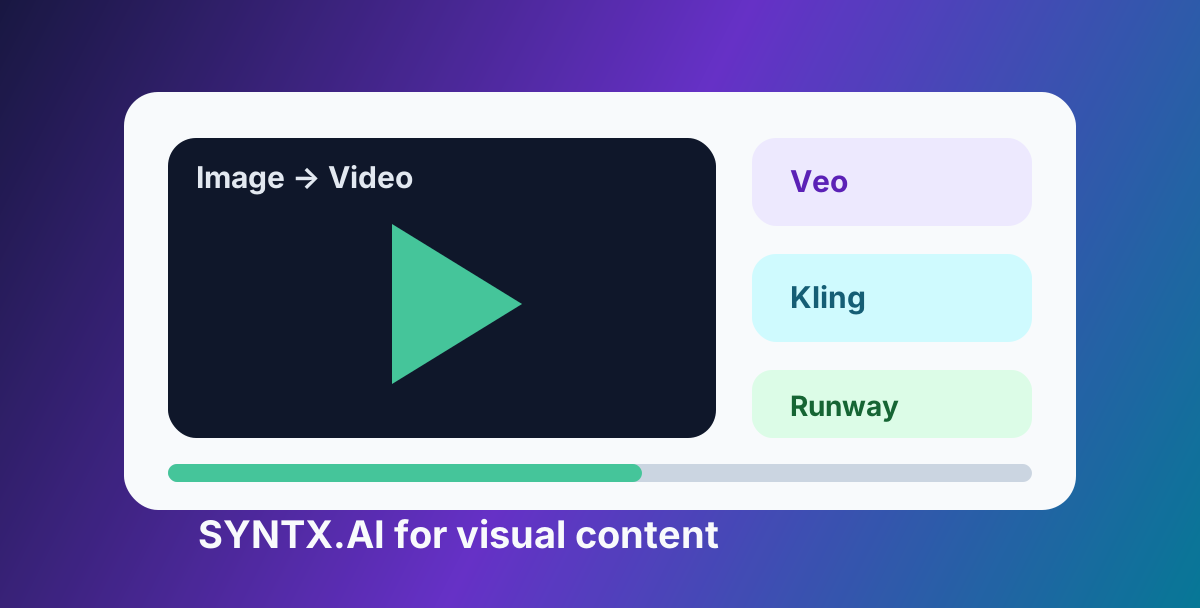
- short AI videos from text or images;
- music, intros, and audio ideas;
- image enhancement and upscaling;
- comparing different models on the same task.
The value is not simply having many tools. The value is reducing switching costs: fewer accounts, fewer tabs, and a faster path from idea to output.
How It Differs From a Single Subscription
A direct subscription is still useful when you rely on one tool every day. But many creators do not work that way. They need text today, an image tomorrow, a short video later, and music for a campaign next week.
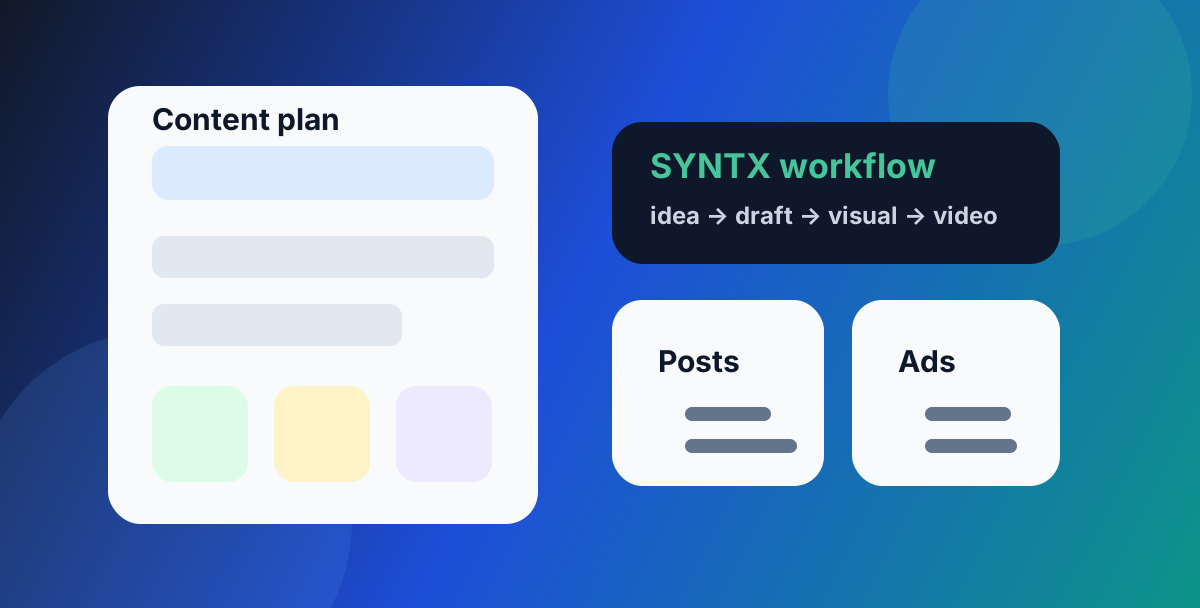
Syntx AI fits that multi-tool workflow. You can draft a video script with a text model, generate an image, animate it, and then create an audio cue without rebuilding your stack each time.
This is especially practical for small teams and solo creators who cannot justify separate subscriptions for every AI category.
How To Start
A simple starting workflow:
- Open Syntx AI.
- Create an account and check the current pricing.
- Choose the interface: Telegram bot or web platform.
- Define the task: text, image, video, audio, or design.
- Run a small test prompt.
- Review quality, speed, and token usage before scaling.
Do not begin with the most expensive generation. Start with a small test, improve the prompt, and only then produce final assets.
Who Benefits Most
Syntx AI can be useful for:
- Telegram channel owners;
- content creators;
- marketers;
- social media managers;
- designers;
- small business owners;
- YouTube Shorts and Reels creators;
- teams that need AI tools without a complex setup.
If you use AI only once a month, an aggregator may be more than you need. But if AI is part of your weekly workflow, having everything in one place can reduce friction.
How To Control Costs
The safest workflow is staged:
- Use a text model to shape the idea.
- Generate a few rough visual directions.
- Choose the strongest style.
- Run the final image or video generation.
- Save successful prompts for reuse.
This prevents wasting credits on random outputs. It is especially important for AI video, where mistakes usually cost more than text drafts.
What To Check Before Paying
Before choosing a plan, check:
- which models are currently available;
- how tokens and limits work;
- what is included in each plan;
- whether the tool you need fits your specific task;
- commercial-use terms;
- support quality;
- whether Telegram or web access is more convenient for your workflow.
This is normal due diligence for any AI service.
Bottom Line
Syntx AI is useful when you need several AI tools in one workflow: text, images, video, audio, and design. It is not a magic button, but it can simplify the daily work of creators and small teams.
The best approach is practical: use Syntx to move from idea to draft, from draft to visual, and from visual to finished content with fewer separate tools.
FAQ
What is Syntx AI?
Syntx AI is an AI platform that brings multiple tools and models for text, images, video, audio, and design into one interface.
Who is Syntx AI for?
It can be useful for content creators, marketers, designers, entrepreneurs, SMM teams, and anyone who needs different AI tools without managing many separate subscriptions.
Is Syntx AI a replacement for every separate AI subscription?
Not always. If you use one tool deeply every day, a direct subscription may still make sense. Syntx is strongest when you need several AI workflows in one place.